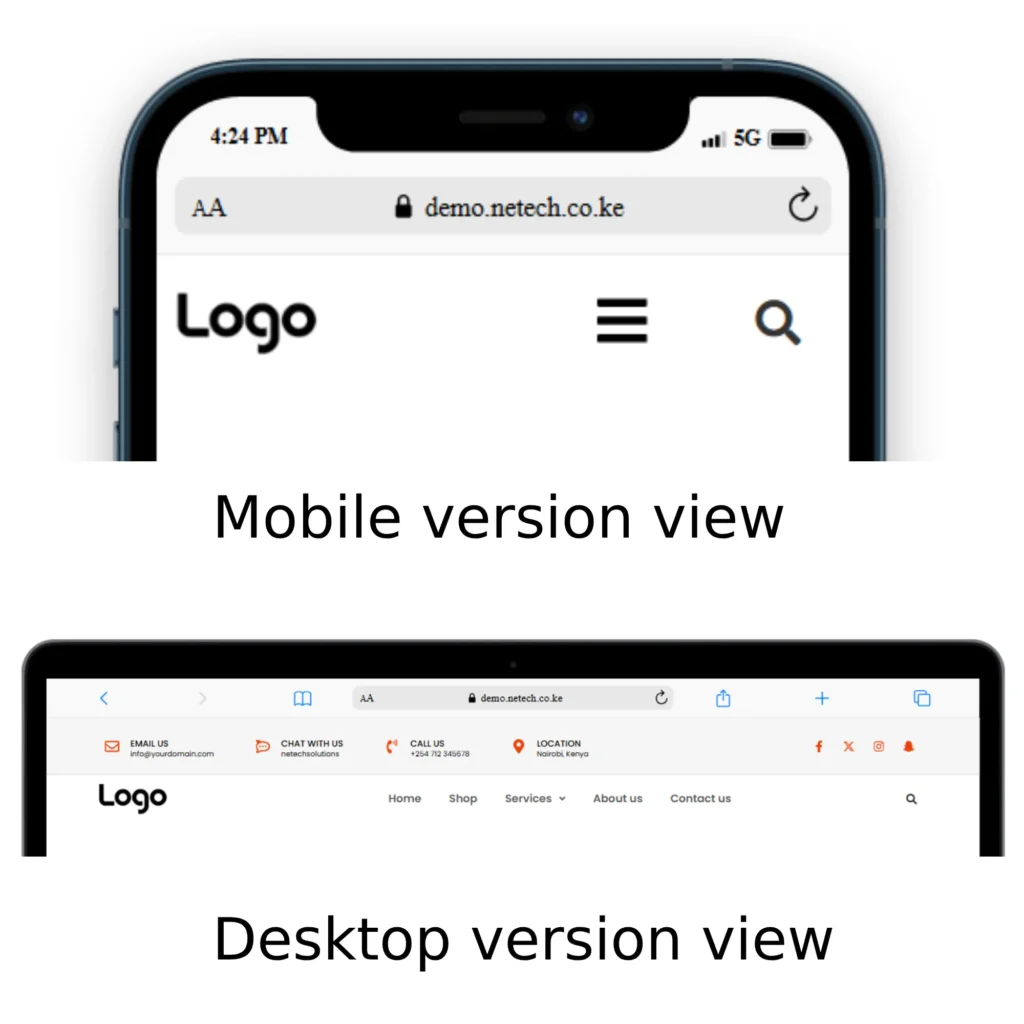

Thank you for purchasing our plugin. If you have any questions that are beyond the scope of this documentation, please feel free to request support at our Support via email support@netech.co.ke. Thanks so much!
We have tested Netech WooCurrency Switcher plugin with various WordPress Themes and, plugins and third party WooCommerce extensions, but it’s impossible to test them all, so some may still have compatibility issues. Should you notice any problem, please contact us with the details and screenshots. Our dedicated team of developers will do their best to find the solution!
INCLUDES
- The plugin zip files for woocommerce-multi-currency.zip
INTRODUCTION
The Netech WooCurrency Switcher is the essential plugin for any e-commerce business looking to boost international sales, reduce cart abandonment, and provide a seamless, localized shopping experience. The plugin allows you to display prices and accept payments in multiple currencies. The plugin can detect customers’ countries and languages, and apply prices as their native currency. It is also convenient for users to switch between different currencies with currencies bar, to find the currency they want, among the available options.
PLUGIN CORE FEATURES
Netech WooCurrency Switcher plugin is flexible with many currency options for front-end display, update exchange rates option.
Flexible Automatic Rate Updates: Ensure your prices are always current by scheduling exchange rates to update automatically at your preferred intervals, ranging from every 30 minutes up to once a month.
Exchange Rate Notifications: Receive an automated notification email after every successful rate update, keeping you informed about your pricing changes without needing to log in.
Manual Rate Override: You retain ultimate control. If you need a specific rate for a marketing campaign or stabilization, you can easily manually set the exchange rate for any supported currency.
Diverse Rate Sources: Choose your preferred, reliable source for fetching live rates from a comprehensive list that includes Google Finance, Yahoo Finance, TransferWise, Cuex, and Xe. We are constantly integrating more providers.
Permanent Exchange Fee: Protect your profit margins. This feature allows you to add a permanent exchange fee to the converted rate to account for and cover any commissions applied by your bank or payment operator during a cross-currency transaction.
Strategic Fixed Prices: For specific products, bypass the automatic exchange calculations entirely. You can set a custom, fixed price in any supported currency, ensuring pricing stability that overwrites the default exchange rates.
Full Display Customization: Achieve the perfect look and feel on your storefront. You have complete control over price formatting, including where the currency symbol is positioned.
Custom Currency Symbols: Tailor the appearance of any currency. You can customize the currency symbol display—for instance, showing the US Dollar as “USD,” “US$,” or just “$.”
Inline Price Switcher: Give customers immediate interaction by placing a small, clickable price switcher directly under the product price, allowing them to instantly toggle between currencies.
Hidden Currency Filtering: Maintain a tidy interface and focus your target market by using the Hidden Currency option to selectively hide any currencies you don’t wish to display on the front-end.
Multiple Data Storage Methods: The plugin supports four different Data Storage Methods (Cookie, Session, WooCommerce Session, and Transient) for saving the customer’s selected currency. If you encounter issues on certain servers where the currency unexpectedly reverts, you can quickly troubleshoot by switching to a more stable storage methods.
AUTO-DETECT CURRENCY FEATURE
*Important notice* Please take note that the auto-detect county features may not work properly with websites/servers that have a cache. Please contact your host to confirm.
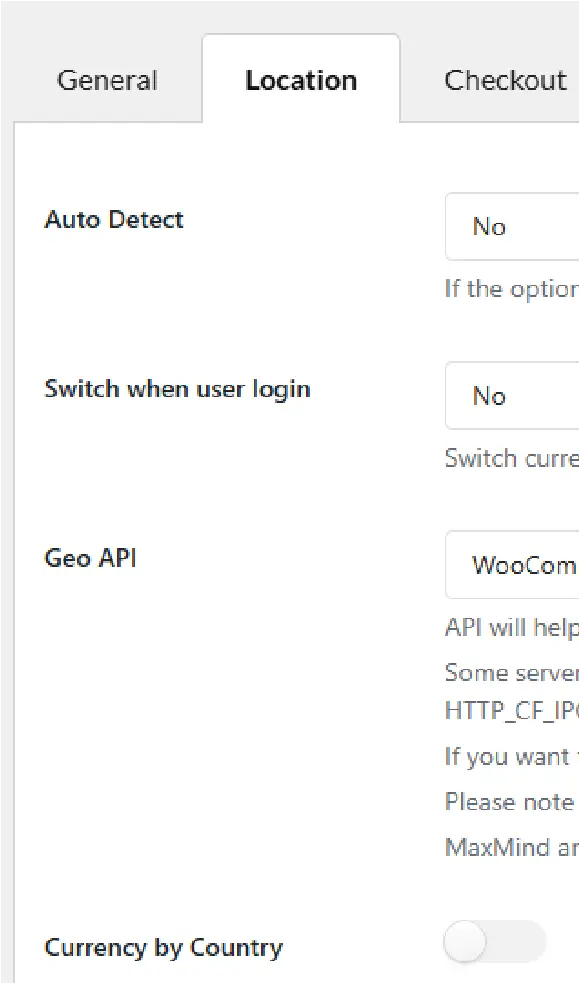
Detect currency based on customers’ country: The plugin will detect customers’ country based on their IP address, then select their currency to display prices, if option activated. Note: This option can be applied to detect at the country level, not working for states or provinces and regions within a country.
Currency by Country (Geo-Targeting): Personalize the storefront by setting a specific currency to be displayed to customers based on their country of origin.
Multilingual Plugin Compatibility (WPML & Polylang): Seamlessly integrate with popular translation tools. The plugin can automatically select the display currency based on the language a customer has chosen via WPML or Polylang (e.g., show prices in GBP for English users and EUR for Spanish users).
Approximate Price Display: Help international customers gauge the value immediately. This feature shows the product price in your store’s default currency, but with a helpful approximate price displayed underneath, converted into the customer’s native currency.
SELECTED CURRENCY CHECKOUTS
Multi-Currency Payment Acceptance: Allow customers to purchase products using the currency they selected. This requires having a payment gateway on your store that supports the customer’s chosen currency.
Flexible Checkout Currencies: Maintain control by defining which currencies are acceptable for payment. You can display prices in multiple currencies on your shop pages but limit the final checkout currency to a smaller, curated list.
Payment Gateway Visibility Control: Avoid checkout errors by ensuring smooth transactions. You can selectively show or hide payment gateways on the checkout page based on the currency the customer has selected.
Critical Checkout Note: It’s important to know that payment gateways (like PayPal) have their own rules. The payment gateway must support your store’s default currency to be displayed, even if our plugin changes the display currency.
PRICE FORMATTING & CUSTOM DESIGN
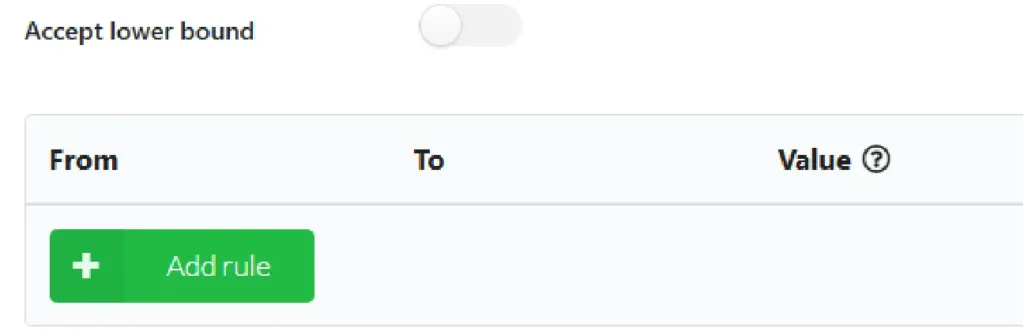
Formatting Rules: Set custom rules to make your prices aesthetically pleasing and psychologically appealing (e.g., automatically rounding $9.87 up to $9.99). You can apply these rules to either the upper boundary of prices or both the upper and lower bounds.
Advanced Display Options: Choose how the currency selector appears on the front-end: as a floating currencies bar or a standard widget.
Visual Customization: Adjust the selector’s style, including its position (left or right), color, background color, and the display format (currency code, symbol, flag, or a combination).
Conditional Visibility: Use WordPress and WooCommerce conditional tags to specify exactly which pages the currency bar should or shouldn’t appear on.
Compact Collapsible Bar: Save screen space with the Collapse Currencies Bar option, which minimizes the selector until a customer hovers over it.
Shortcode Integration: Easily display currency widgets or exchange rates anywhere on your site using simple shortcodes.
Custom Flag and CSS Support: Address instances where multiple countries share the same flag, or completely customize the design by adding your own CSS code.
INSTALLATION
*Important* This plugin requires:
- WordPress 5.0+
- PHP 7.0+
- WooCommerce 7.0+
Plugin Installation and Activation
After you have downloaded the plugin file, go to Plugins/ Add New/ Upload Plugin/ Choose file/ Select Woocurrency.zip file/ click “Install Now“/ click “Active plugin.
How to use
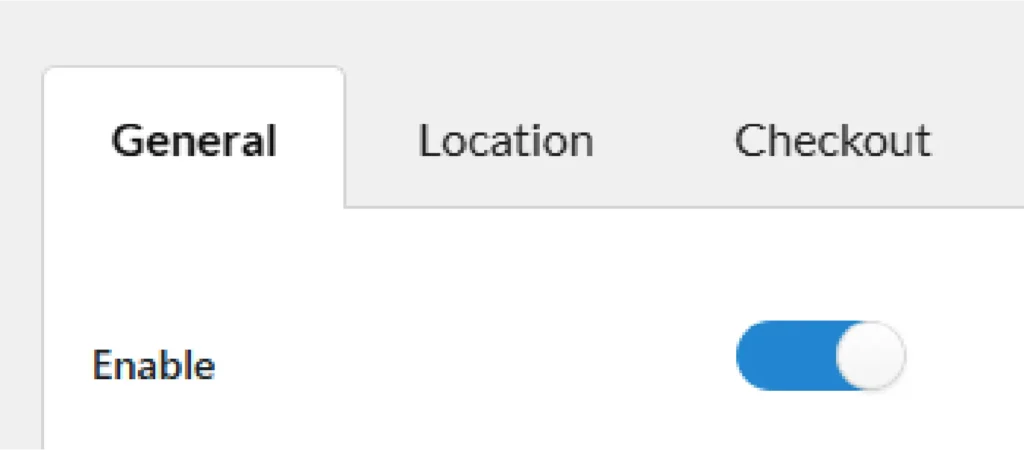
Enable the plugin on the “General Tab” to start using the plugin. Make sure you click “Save” to save the settings.
Configuring the currency list
After activating the plugin, your essential first step is to establish your list of currencies within the General Settings tab.
This list is the core foundation of the entire plugin; every subsequent feature and function relies on the currencies you define here. You will build and manage this critical list in the “Currency Options” table located at the bottom of the tab.
Step 1: Go to the General tab of the plugin settings
Step 2: In the “Currency Options” table, click “Add currency” to add more currencies you need.
Step 4: Configure each currency.
Step 5: Click “Save settings“.

Location detection
You can choose if you want the plugin to detect the location and change the store currency based on the detected location or you can set the base currency.
Payment gateway selection
You can select the payment gateway you want for each currency you had setup to work with in your store.


Rules
You can define your own rules on bounds (how you want the plugin to behave when different currencies are selected) if upper or lower bound.